
30 seconds
Bubble Taps
Reach toward each bubble. Hold your hand over it until it turns green and pops.


Explore MARS Coral Quest Mobile for iPhone, with movement-based activities and friendly guidance for practicing at home.
MARS Coral Quest Mobile is a movement-based exercise app. With optional front-camera tracking, the on-screen diver follows your movements as you practice activities chosen by your therapist.
And you won’t be exploring alone! Jelly the Jellyfish floats along beside you, offering friendly tips and a little encouragement along the way.
Hover over an image or tap it to preview. Choose the activities and order your therapist assigned.
Reach toward each bubble. Hold your hand over it until it turns green and pops.
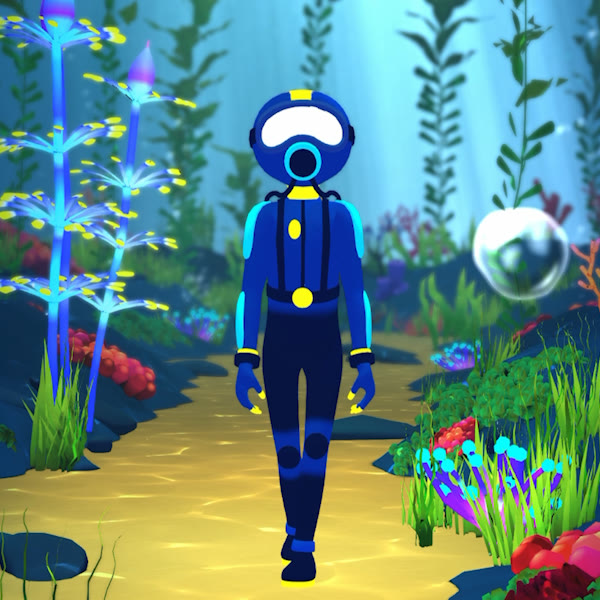
Move your hands over the bubbles. Hold them there until they turn green and disappear.
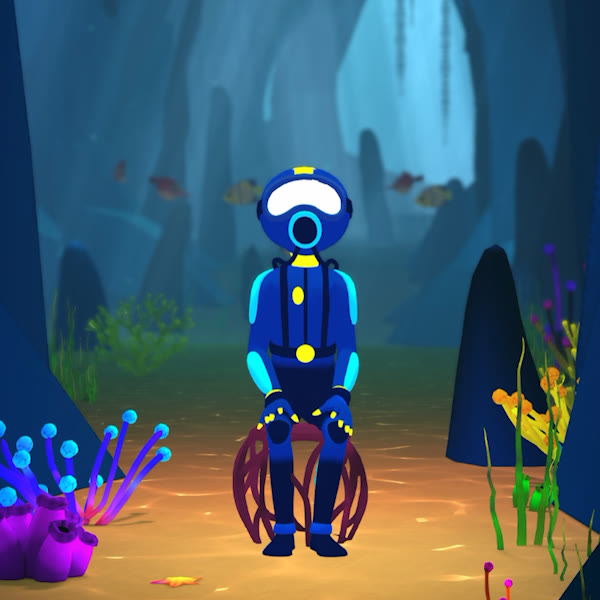
Sit down and stand up as shown by your therapist. Use the chair and assistance they recommend.
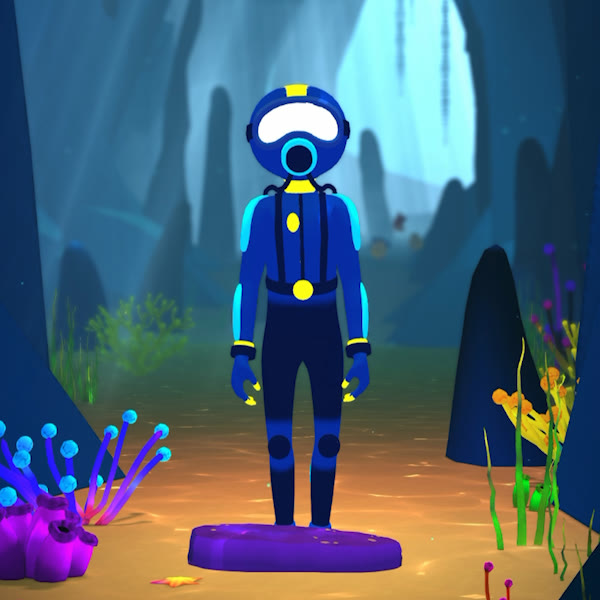
Use a small fitness step as instructed. March in place instead if that is part of your therapist’s plan.
Use the clinic’s link to install the app. This guide is for the iPhone version.
Review note: supported iPhones and minimum iOS version to be confirmed.
A stable phone stand, a well-lit space, and enough room for your whole body to be in view.
Your assigned activities, schedule, and any chair, step, or assistance your therapist recommends.
The mobile app supports a clinic-guided home-practice workflow: introduce the activities together, send families home with a clear plan, and review reports on their phone at the next visit.
This section covers Coral Quest Mobile for iPhone. The Windows-based clinic system is a separate version.
Ask about Coral Quest Mobile →A two-page guide to setup and the four activities.
Review draft: clinic details and the download link are still placeholders. Use the web instructions for the current Reports and support process.